CREATE THE SPACE
Move from a floor plan to an interactive spatial scene
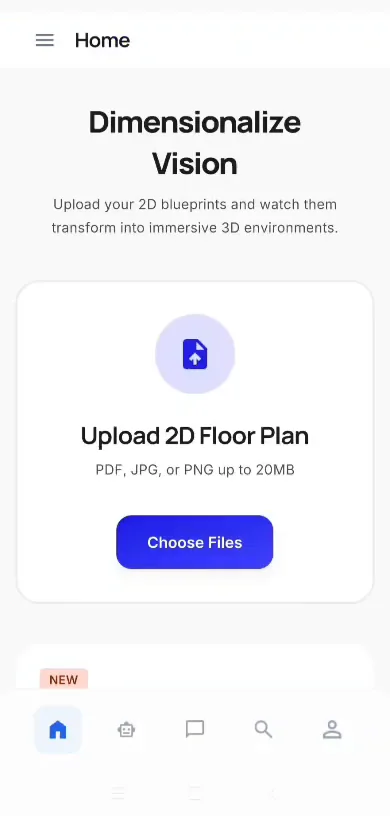
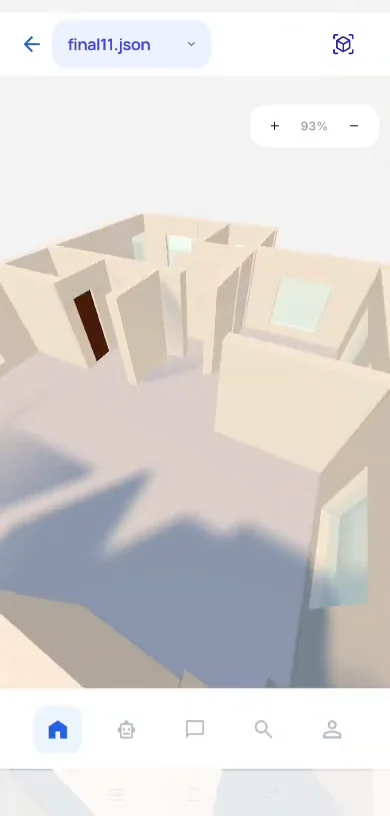
The workflow interprets suitable plan information, confirms missing dimensions and builds a navigable 3D starting point for design and experience exploration.
VISUAL STORY
Explore the completed app experience
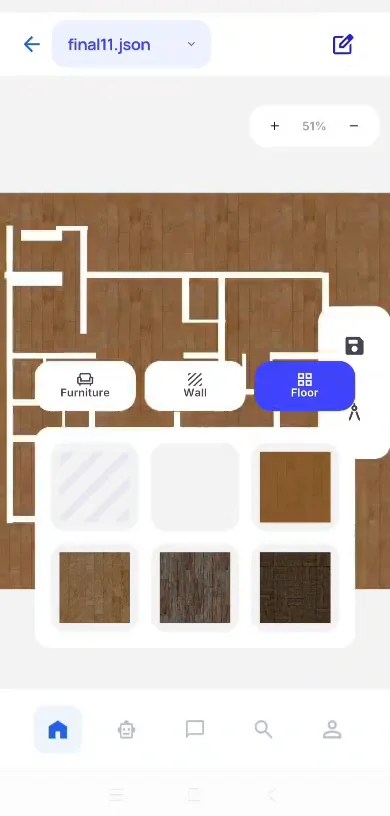
Product screens make the completed experience easier to understand, from creating a space to comparing design and spatial-experience options.
What this page helps you understand
01
Assess plan scale and information quality
02
Confirm geometry and missing dimensions
03
Build the interactive spatial structure
04
Review the scene before further design comparison
FREQUENTLY ASKED QUESTIONS
Questions before you enquire
Can this page replace a site or project assessment?
No. The appropriate scope depends on the actual property, available information, access, project stage and decision required.
Are results or generated outputs guaranteed?
No. We explain the observed or generated information together with assumptions, limitations and review responsibilities.
What should I send for an initial discussion?
Share the property or project type, location, timing, photographs or sample documents, and the decision you need to make.
Not sure where to start?
Tell us the property, project or spatial problem first. We will help identify the most relevant next step.